

Error trying to open Dimension 8.3-1 from icon in Computer Tray
Last updated: Oct 23, 2026
33
views

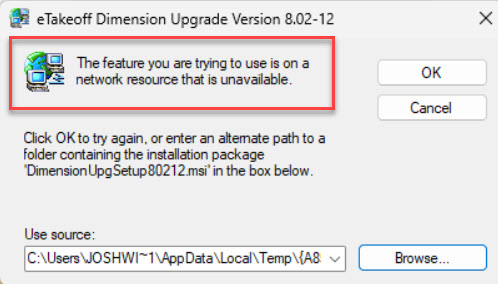
If you are receiving a message similar to the one shown below when you click on the Dimension icon that is pinned to your taskbar, you will need to replace the Shortcut.
- Right click the shortcut Icon and choose “Unpin from taskbar”
- Double click on the Dimension shortcut on the desktop to launch the program
- Once Dimension is opened, right click on the active taskbar icon and select “Pin to taskbar”

